Describe the shot.
See the price.
Make it.
Pick a scene, add 3–4 photos of you, and see the price before anything is made.
First 5-second video free · Same price in the Studio and the API
Three steps.
Price on the button.
- 1Pick a sceneWatch it first.
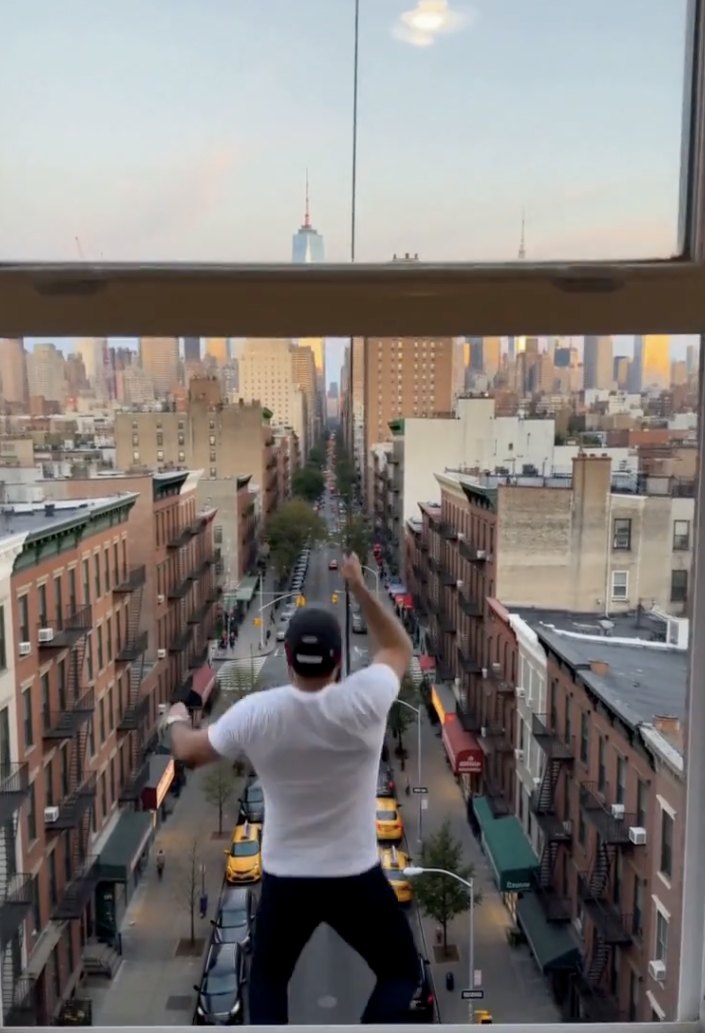
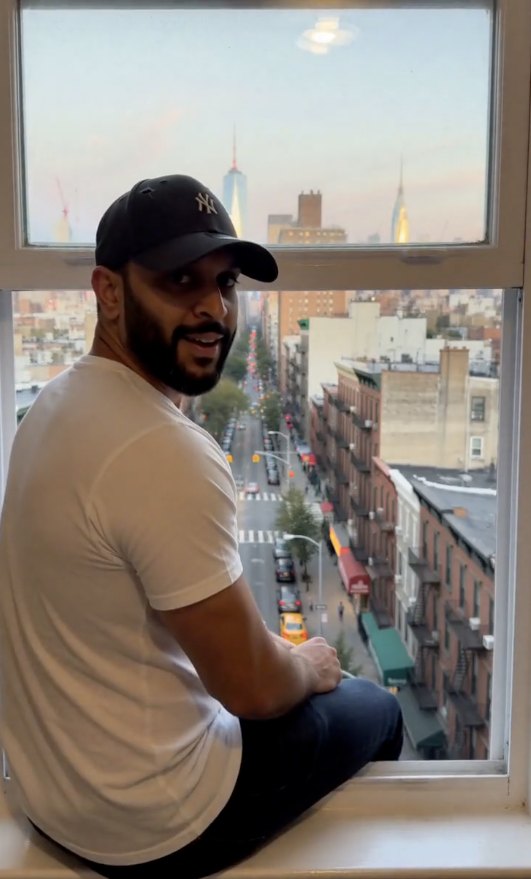
- 2Add 3–4 selfiesFront, side, profile, full body.
- 3See the price, make itFirst 5 seconds free.
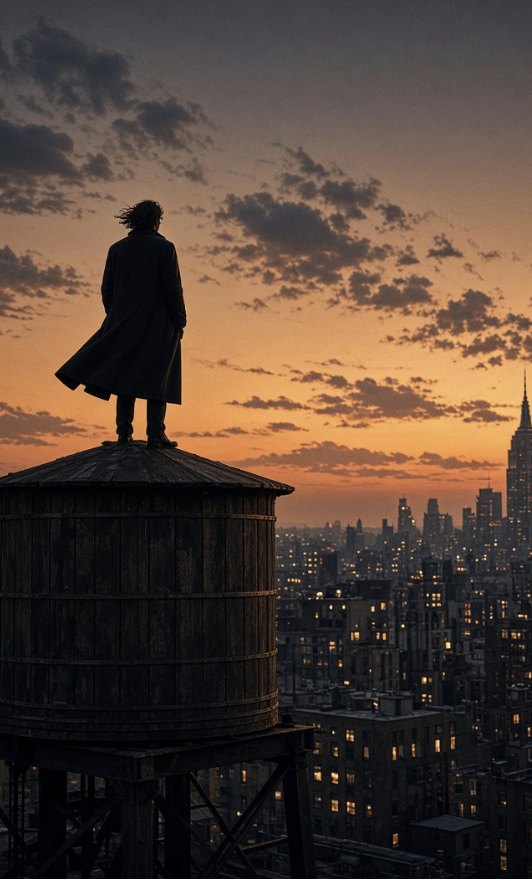
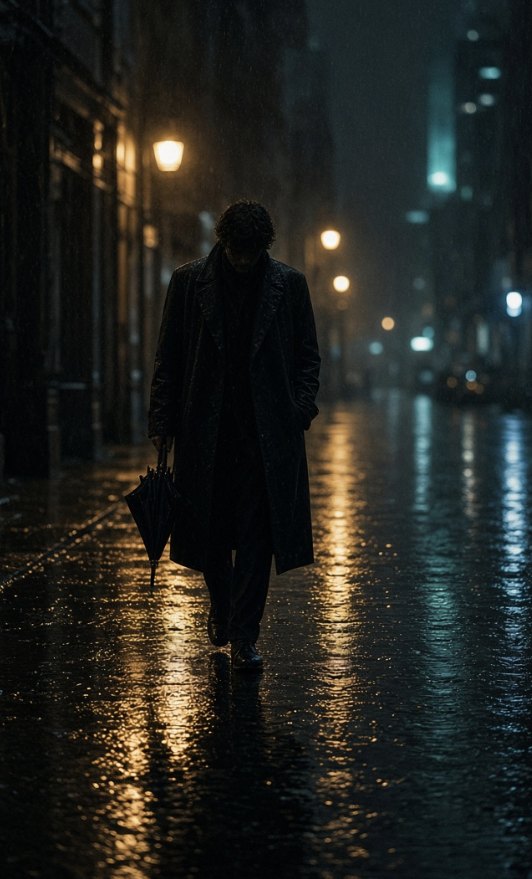
Start from a scene
Or start from scratchPricing
One price per clip, shown on the Generate button before anything runs. The same price in the studio and the API.
2K quality is coming later. Failed clips are charged for the work done, never more than the price on the button.
Questions
What does it cost?
Your first 5-second preview is free. For longer clips, the exact price is on the Generate button before anything runs. Nothing is charged until your clip starts.
Why are failed clips charged?
Our video engine bills for the work it does, even when a clip doesn't finish. We pass that cost on at the same rate and show you the exact amount. It's never more than the price on the button.
How does Try again work?
Try again resumes the same job, so the steps that already finished aren't charged twice. The button shows the most the retry can cost.
What photos work best?
Up to 8 photos in total: PNG, JPEG or WebP, up to 8 MB and 24 megapixels each. For you: 3–4 clear photos from different angles plus one full body for the outfit. No sunglasses, no group photos.
Is the API the same price?
Yes. A clip costs the same whether you make it in the studio or through the API.